WebDAV Listener
Description
This channel implements a WebDAV server. it can be used for two different functionalities:
- If a new file is recognized, a trigger event is build.
- An external system can have access to the collected messages.
Creation
To create a WebDAV Listener follow the steps described in the general description of Scenario Element.
Configuration
The dialog to configure the WebDAV Listener looks like:
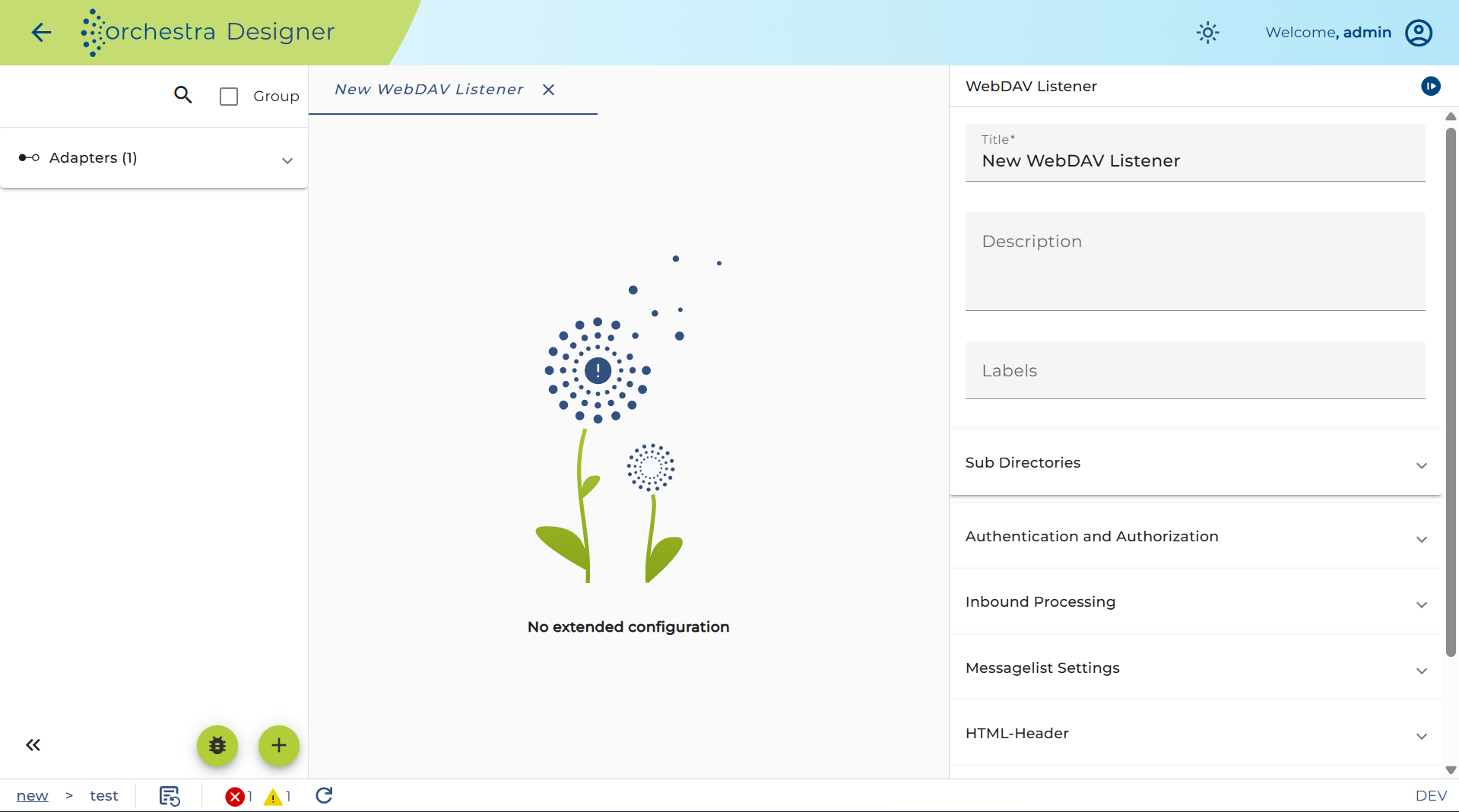
Authentication and Authorization:**
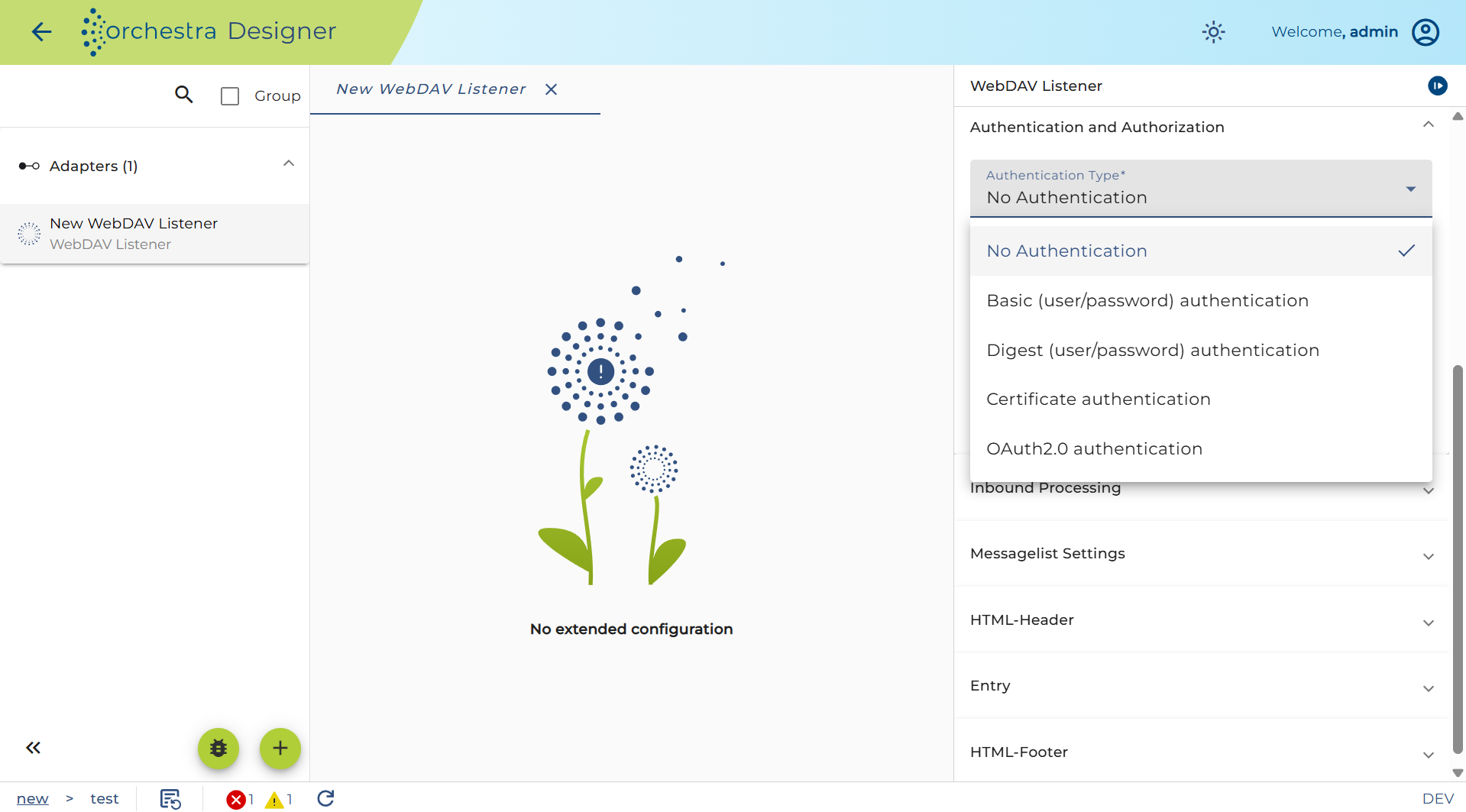
-
Basic authentication: user and password
-
Digest authentication: user and password
-
Certificate authentication: authentication of the client via certificate (X509)
-
OAuth2.0 authentication: authentication using JWT (Json Web Token)
Authorization means that the inbound channel checks if the user authenticating itself has a certain role assigned. For more detailed information about this configuration refer to configuring authentication.
Start error process:
If the channel encounters an error you can connect it in the process model with an error start event to create a process instance handling that error.
If the user selects the Always check box, then every time an error occurs an according process instance will be created. If that error occurs regularly because of a short polling period, the user may want to avoid creating a large amount of process instances. In this case you must not set Always but enter a period of time. If after an error further errors occur within that period no further error process will be created.
Messagelist settings:
-
name: Name of the message collection
-
basepath: Choose how the URL shall be generated:
- DEFAULT: Path is generated from the scenario ID and channel ID
- SCENARIONAME: Path is generated from the scenario name
- COLLECTIONNAME: Path is generated from the collection name
-
sub directiories: Subfolders of the collection with permissions
-
directory listing:
- HTML-header: structure and appearance of the header of the download site
- entry: structure and appearance of the download site
- HTML-footer: structure and appearance of the footer of the download site
Throttling
This channel is supported by the throttling limit feature as described in the Throttling chapter.